
Maya starts supporting FSOFTers this OKR season
With fewer than 10 days left until the year-end OKR deadline, Maya is ready to step in with a powerful trio of features—deadline reminders, reporting, and OKR setup—to support FSOFTers throughout this busy period. All tasks can be completed right within MS Teams, making the OKR season feel lighter amid the year-end workload.

The final OKR cycle of the year often comes with many parallel tasks. This is when FSOFTers both review past results and prepare goals for the year ahead. To keep everything running smoothly, Maya stays alongside FSOFTers throughout the entire cycle, supporting Q4.2025 OKR reporting and Q1/2026 OKR setup—right in the familiar chat window.
One of the most anticipated features is Maya’s automatic deadline reminder mechanism. Notifications are sent at 9:00 AM at two familiar milestones—10 days and 5 days before the deadline—helping FSOFTers plan ahead with confidence. The two key OKR deadlines this season are:
- December 25, 2025: Report OKR Q4.2025 and set OKR Q1/2026
- January 9, 2026: Score OKR Q4.2025 and approve OKR Q1/2026
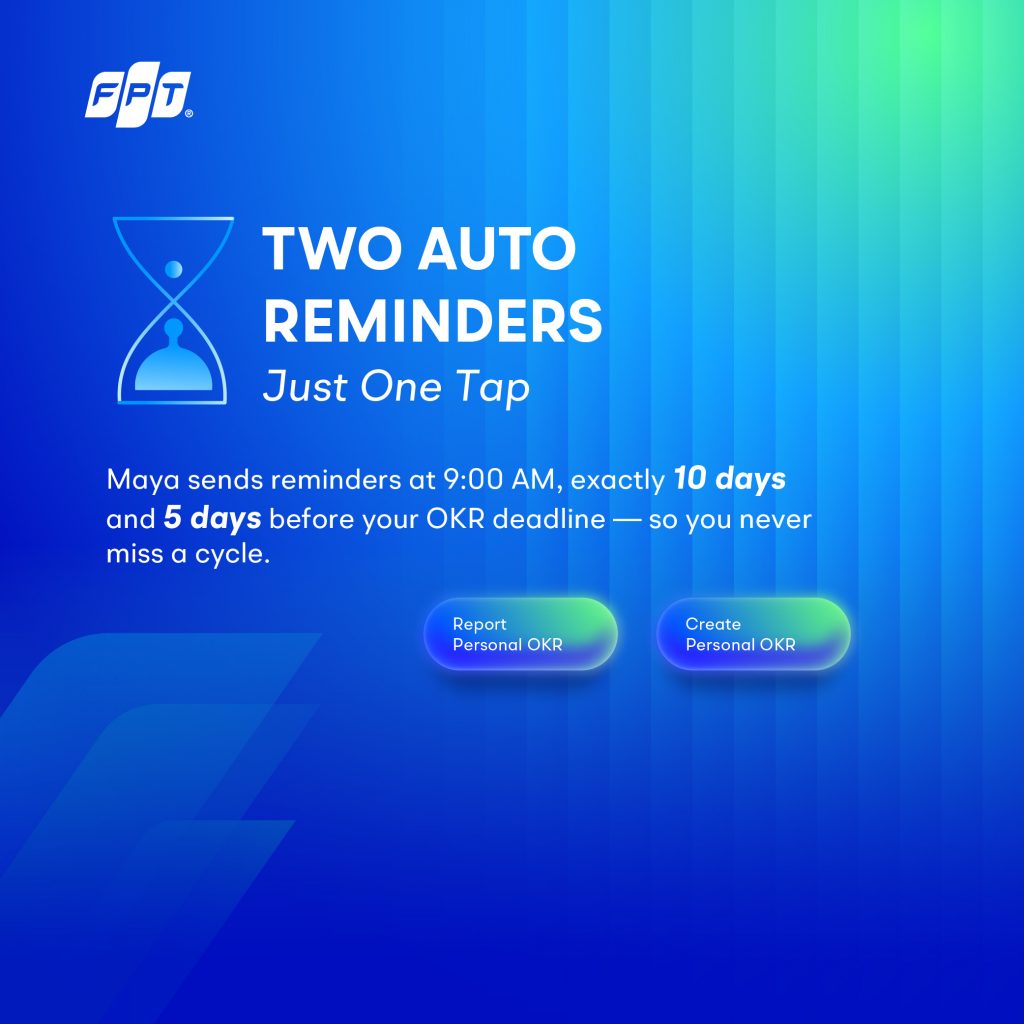
Right from the notification, FSOFTers can simply select Report Personal OKR to submit reports or Create Personal OKR to set new goals—no platform switching required. This seamless experience is part of Maya’s OKR feature trio, which includes:
- Timely reminders – automatic alerts sent twice before each deadline
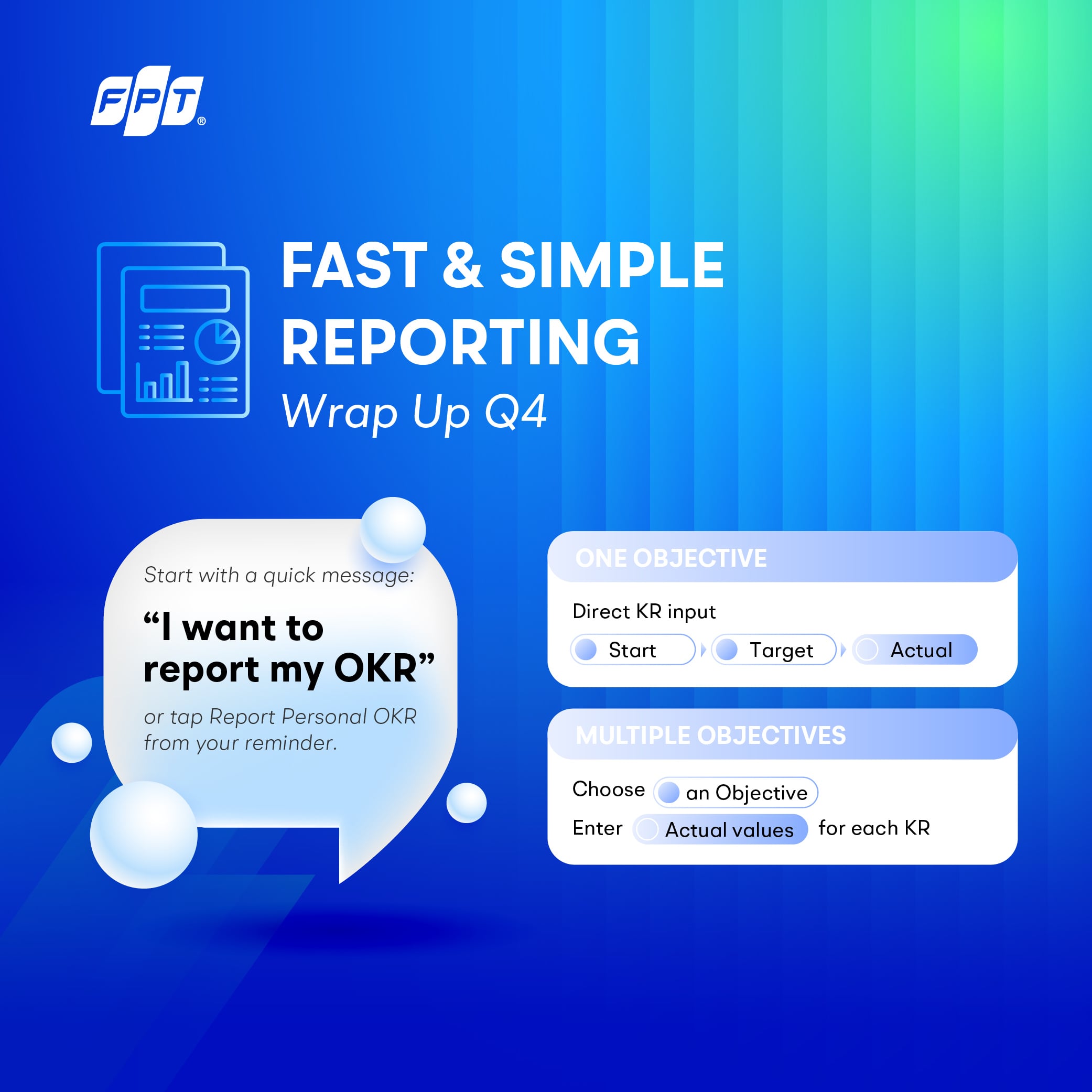
- Fast reporting – enter data directly for each Key Result
- Clear setup – step-by-step guidance through Objectives and Key Results, simple and intuitive
During OKR reporting, Maya displays each Key Result along with its Start and Target values, allowing FSOFTers to input the Actual figures with ease. If there are multiple Objectives, Maya presents a clear list for selection before diving into details. All inputs are then compiled into a summary for review before confirmation, helping minimize errors.
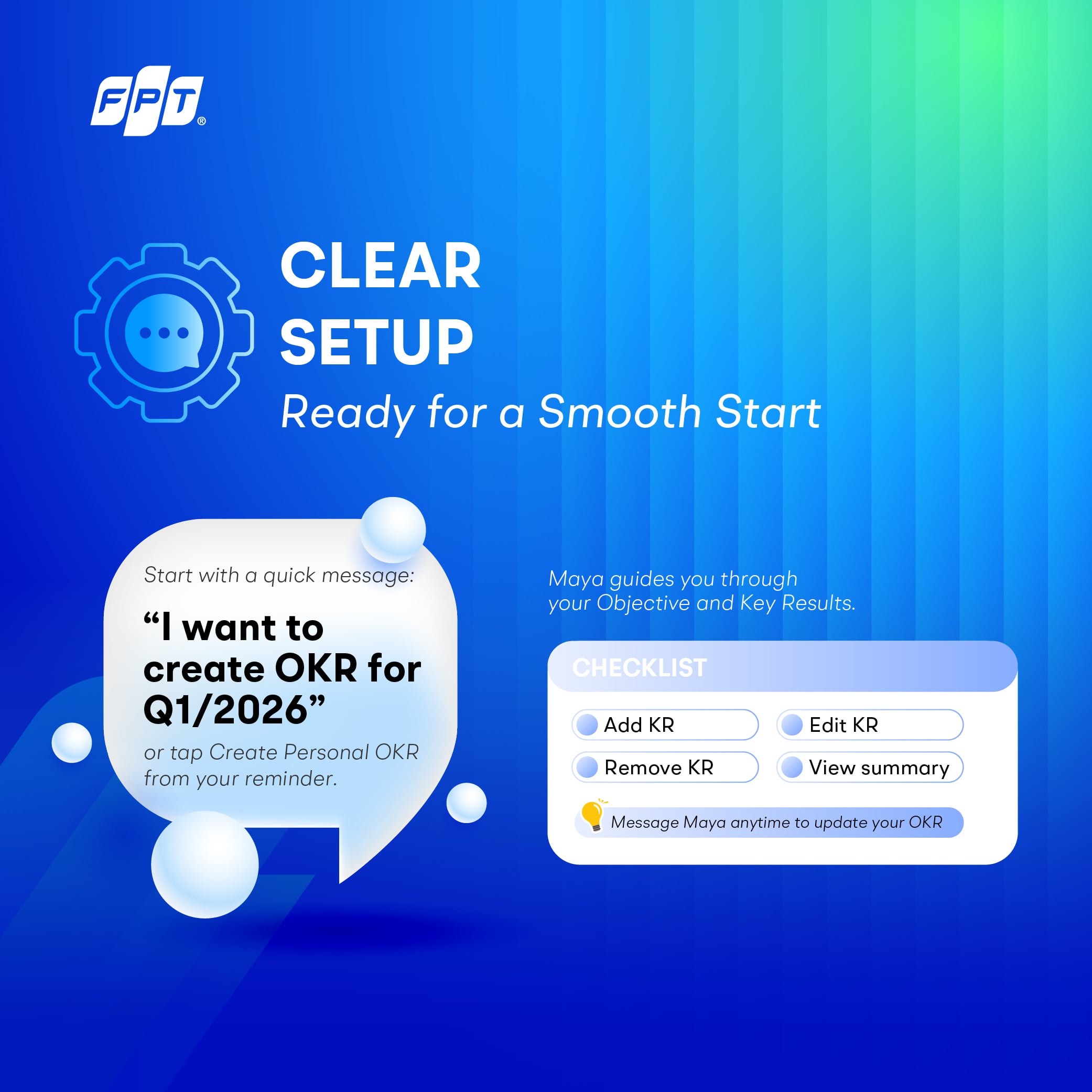
When setting up new OKRs, FSOFTers can get started with simple commands like “I want to create OKR Q1/2026” or directly from the reminder notification. Maya guides users through entering Objectives and corresponding Key Results, while also validating requirements—from the number of KRs to avoiding duplicate content. Throughout the process, FSOFTers can flexibly:
- Add or remove Key Results
- Edit Key Result content
- Ask Maya to display a consolidated summary
Thanks to this seamless support, the OKR process becomes more streamlined and easier to manage. Maya not only reduces manual effort but also helps FSOFTers stay on track more comfortably during the busiest time of the year.
The deadline is just around the corner—let Maya accompany FSOFTers and make this OKR season truly “ringing” and smooth!
Phuong Thao